


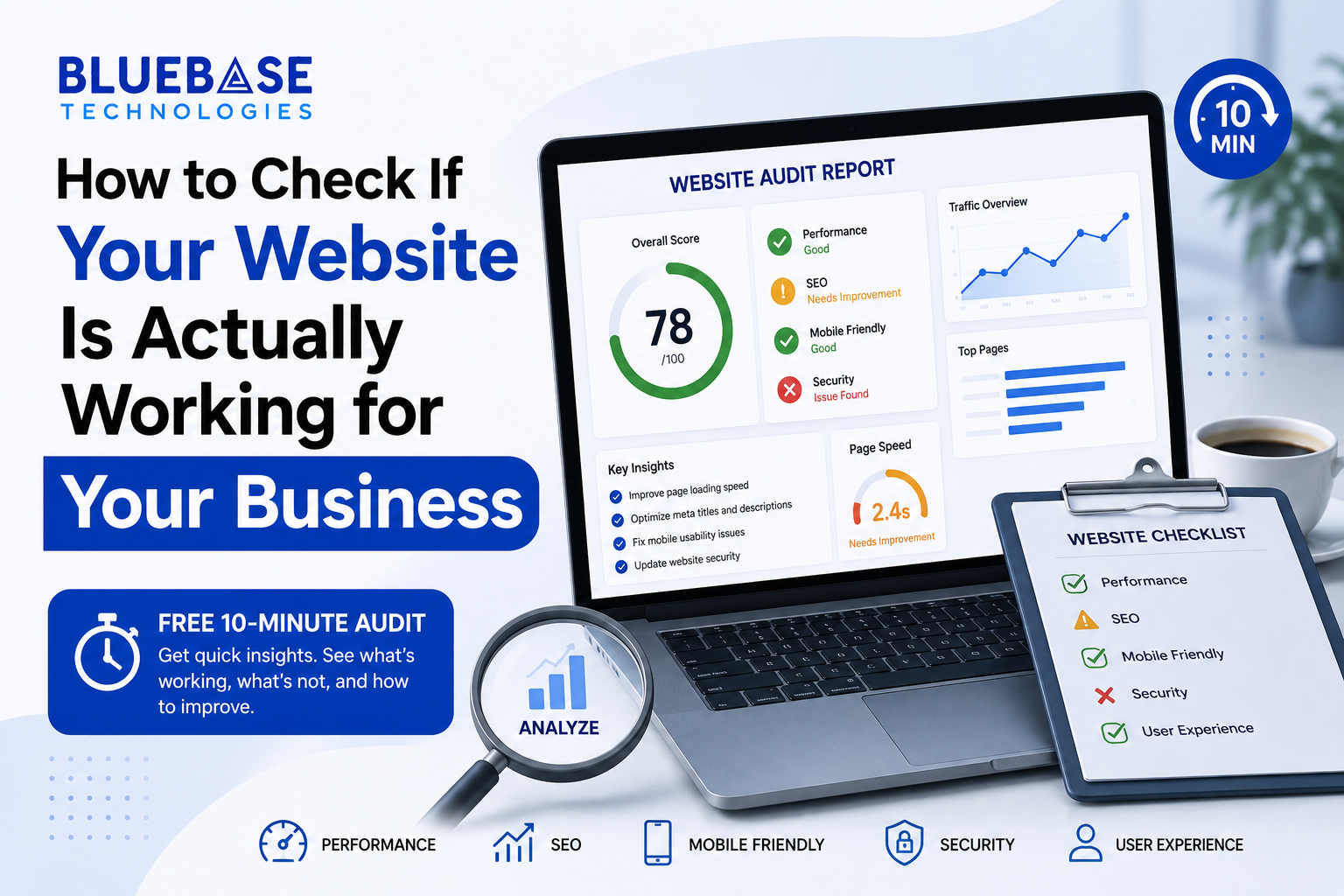
Most business owners check their website once — when it launches — and never again. Then months later they wonder why enquiries have slowed down, even though the site "looks fine."
Here's the uncomfortable truth: a website can look perfectly fine to you and still be quietly losing you customers every single day. You won't notice it because you're not the one trying to use it as a stranger would. Visitors don't tell you when they leave frustrated — they just close the tab and go to a competitor instead.
The good news is you don't need to be technical to figure out where your website actually stands. Below is a simple, honest audit you can run yourself in about 10-15 minutes. Grab your phone and laptop, and go through each of these one at a time.
1. Check Your Loading Speed
Open Google PageSpeed Insights and paste in your website URL. Run the test for both mobile and desktop — you'll get a score out of 100 for each, along with a breakdown of what's slowing things down.
What the score actually means:
- 90-100: Excellent, most visitors won't notice any delay
- 50-89: Needs improvement, some visitors are likely getting impatient
- Below 50: Serious problem — a meaningful percentage of visitors are leaving before the page even finishes loading
Speed matters more than most business owners realize. Research consistently shows that as page load time increases from 1 to 3 seconds, the chance of a visitor leaving increases sharply — and it keeps climbing the longer the delay. If your business relies on people finding you online and making quick decisions (calling, filling a form, checking prices), a slow site is directly costing you leads, not just "looking a bit slow."
2. Test It on Your Own Phone — Not Your Laptop
This is the step almost everyone skips. Open your website on your actual phone, using your normal data connection (not office wifi), and go through it like a stranger would.
Ask yourself honestly:
- Can you read the text without zooming in?
- Are buttons big enough to tap easily with a thumb, or do you keep missing them?
- Does any text or image overlap, get cut off, or spill outside the screen?
- Does the menu open and close properly, or does it get stuck?
Google has confirmed it primarily uses the mobile version of your website to decide how it ranks in search — this is called mobile-first indexing, and you can read the official explanation on Google Search Central if you want the technical details. In simple terms: if your mobile experience is bad, it doesn't just annoy visitors, it can actively hurt where you show up in search results.
Given the majority of local searches in India now happen on mobile devices, this single test is often more revealing than any other item on this list.
3. Time Yourself Finding Your Own Contact Info
Pretend, just for a moment, that you've never seen your website before. Starting from the homepage, time yourself: how long does it take to find a phone number, WhatsApp link, or a working "Contact Us" button?
If it takes more than 10-15 seconds, or requires scrolling through multiple sections first, most real visitors will give up before they get there. People researching a service on their phone, often while doing something else, are not patient. They want the fastest possible path to reaching you, and if your website doesn't offer one clearly, they'll simply move to the next search result instead.
4. Actually Fill Out Your Own Forms
This sounds obvious, but it's one of the most commonly skipped checks — and one of the most damaging when ignored. Go to your contact form, enquiry form, or booking form (if you have one) and fill it out completely, as a customer would.
Did it submit successfully? Did you receive any confirmation message on-screen? Did the enquiry actually land in your inbox or WhatsApp?
It's surprisingly common for small business websites to have a form that silently broke months ago — maybe after a plugin update or a hosting change — and nobody noticed because no one was actively testing it. Meanwhile, potential customers have been filling it out, assuming it worked, and simply never hearing back. If you haven't tested your own form recently, this is worth doing today.
5. Review Your Google Business Profile Insights
If you have a Google Business Profile set up, open the Insights (or Performance) tab. It shows you how many people viewed your profile, how many called you directly, how many requested directions, and what search terms led them there.
Compare this to your website's own traffic, if you track it. If your profile is getting a healthy number of views but very few of those people are clicking through to your website, that's a useful signal — it usually means people are finding you locally, but something about the profile-to-website handoff isn't working smoothly. Sometimes it's as simple as the website link not being visible enough on the profile.
6. Check for a Clear "Next Step" on Every Page
This is less about technical performance and more about basic clarity. Go through each major page on your website and ask: what is this page actually asking the visitor to do next?
Call you? Fill a form? Browse your services? Message you on WhatsApp?
If a page doesn't have an obvious answer to that question, visitors will read it, feel mildly interested, and then leave without taking any action — not because they weren't interested, but because you never told them what to do next. A page without a clear next step is a missed opportunity, even if everything else about it is well designed.
7. Check How Old Your Content Actually Is
Scroll to the bottom of a few pages, or check your blog if you have one. If the most recent update or post is from over a year ago, both visitors and search engines notice. A site that looks abandoned — even if the business itself is very much active — creates doubt in a visitor's mind about whether you're still operating, responsive, or worth reaching out to.
What To Do With What You Find
If you found two or three issues while going through this list, that's completely normal — it's one of the most common patterns we see. Most small business websites are built quickly, launched, and then left untouched for years while the business itself keeps growing and changing. The problems accumulate slowly, which is exactly why they're easy to miss from the inside.
The encouraging part is that almost none of these issues require rebuilding your entire website from scratch. Speed can usually be improved with targeted fixes. Mobile issues are often isolated to specific sections. Broken forms are usually a quick fix once identified. It's rarely an all-or-nothing situation.
If you'd like a second, more technical pair of eyes on your website, we offer a free website audit where we go through all of this — plus a few additional technical checks — and send you a simple, plain-language report with no obligation attached.